

Initial Public Offerings (IPOs) can be some of the most exciting events in the market, offering high volatility and significant opportunities. However, navigating them requires careful planning and research. In a recent tutorial, TradingView walked users through their IPO Calendar, a powerful tool designed to help traders monitor and strategize for upcoming public listings.
Here is a breakdown of how to use this feature to enhance your trading preparation.
An IPO, or Initial Public Offering, occurs when a private company sells shares to the public for the first time. Historically, major listings like Amazon, Facebook, and Saudi Aramco have generated massive interest. While these events can be lucrative, they also carry risk, making it essential to have a reliable way to track them.
Finding the calendar is simple:
The interface is intuitive. You can toggle between different dates to see what companies are listing on specific days. It also allows you to filter by country; for example, you can choose to see only listings from the USA, UK, or Eurozone by adjusting the flag settings.
The IPO Calendar isn’t just a list of dates; it’s a research hub.
For deeper analysis, the tool provides direct access to financial documents. By selecting a company, you can find SEC filings, income statements, and balance sheets. This is crucial for fundamental analysis, helping you decide if a company is a solid investment before you trade.
By centralizing data and offering robust research tools, the IPO Calendar on TradingView allows you to approach these high-stakes events with a clear plan rather than just following the hype.
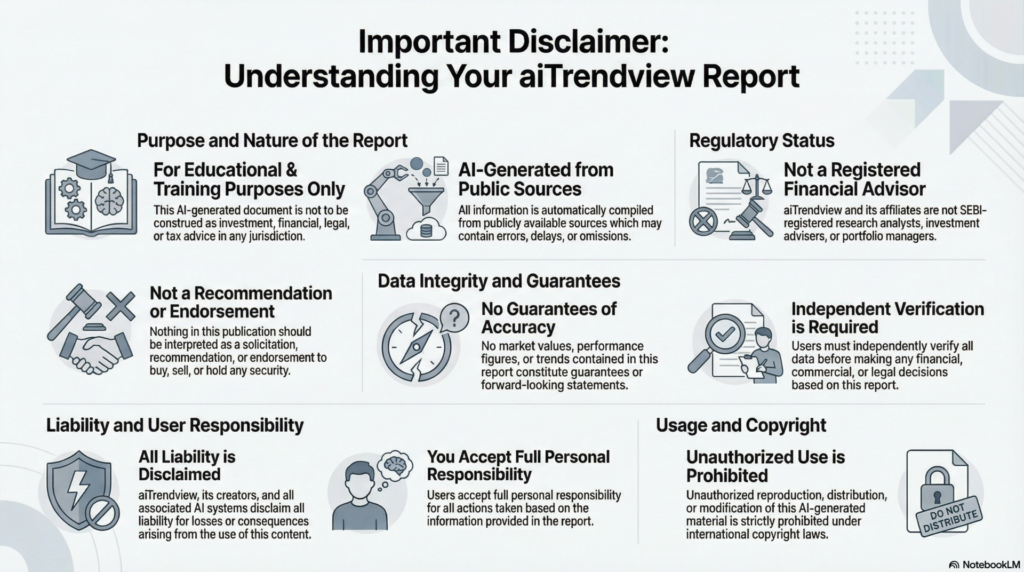
aiTrendview Global Disclaimer
This aiTrendview report is an AI-generated document provided exclusively for educational and training purposes and shall not be construed as investment, financial, legal, or tax advice in any jurisdiction.
aiTrendview and its affiliates are not SEBI-registered research analysts, investment advisers, or portfolio managers, and all information herein is automatically compiled from publicly available sources that may contain errors, delays, or omissions.
Users must independently verify all data before making any financial, commercial, or legal decisions, as no market values, performance figures, or trends contained in this report constitute guarantees or forward-looking statements.
Nothing in this publication should be interpreted as a solicitation, recommendation, or endorsement to buy, sell, or hold any security.
aiTrendview, its creators, and all associated AI systems disclaim all liability for losses or consequences arising from the use or reliance upon this content, and users accept full personal responsibility for all actions taken based on it.
Unauthorized reproduction, distribution, or modification of this AI-generated material is strictly prohibited under international copyright, compliance, and intellectual-property laws.