
Effortlessly Spot Chart Patterns: TradingView’s New Automatic Cup and Handle Detection

Tradingview, Technical, Fundamental, Economic, Market Report, Crypto Market Report, Commodity Market Report, Gold, Silver, Crudeoil, Nifty, Banknifty, Sensex, Forex,

Effortlessly Spot Chart Patterns: TradingView’s New Automatic Cup and Handle Detection

Identifying classic chart patterns can be a time-consuming task, often requiring a keen eye and hours of chart scrutiny. TradingView has just made this process significantly easier with their latest update: Automatic Cup and Handle and Inverted Cup and Handle detection.

A recent video from the TradingView team walks users through this powerful new feature, explaining how to enable it, customize it, and use it to enhance your technical analysis. Here is a summary of what you need to know.

What’s New?

TradingView has added two new tools to their “Patterns” library that automatically scan for and draw these specific formations on your chart:

  • Cup and Handle: A bullish continuation pattern that resembles a tea cup. It features a “U-shaped” drop and recovery (the cup) followed by a smaller consolidation (the handle). A breakout from the handle often signals a potential upward move.
  • Inverted Cup and Handle: The bearish opposite. It looks like an upside-down cup and signals a potential downward trend after buyers fail to maintain upward momentum.

How to Enable It

Getting these patterns on your chart is simple:

  1. Open the Indicators, Metrics & Strategies menu.
  2. Select the Technicals tab.
  3. Click on Patterns in the sub-menu.
  4. Select “Cup and Handle Chart Pattern” or “Inverted Cup and Handle Chart Pattern.”

Once clicked, the software instantly scans historical and current price action to draw any valid patterns it finds.

Key Features & Customization

The tool isn’t just a static overlay; it’s highly customizable to fit your trading style.

  • Status Filtering: You can choose to see all patterns or filter by status:
    • Awaiting: The pattern is forming, but the target hasn’t been reached.
    • Reached: The pattern completed, and price hit the projected target.
    • Failed: The pattern formed, but price moved against the expected direction.
  • In Progress: A crucial toggle that allows the tool to identify patterns that are currently forming right now, giving you a heads-up on potential setups before they complete.
  • Target Prices: The tool automatically calculates and draws a target price level based on the depth of the cup, giving you a clear objective to watch.

Practical Use Cases

The video highlights a few smart ways to integrate this into your workflow:

  1. Scanner Integration: With the pattern tool active, you can click through stocks in your Screener or Watchlist. The chart will instantly update, allowing you to visually scan dozens of charts for these patterns in seconds.
  2. Validation: If you think you spot a cup and handle yourself, you can turn on the auto-detection to “check your work” and see if the algorithm agrees with your analysis.
  3. Risk Management: By seeing the automatically generated targets and invalidation points, you can better plan your entry and exit strategies.

This update effectively acts as an automated research assistant, helping traders spot classic opportunities they might otherwise miss.


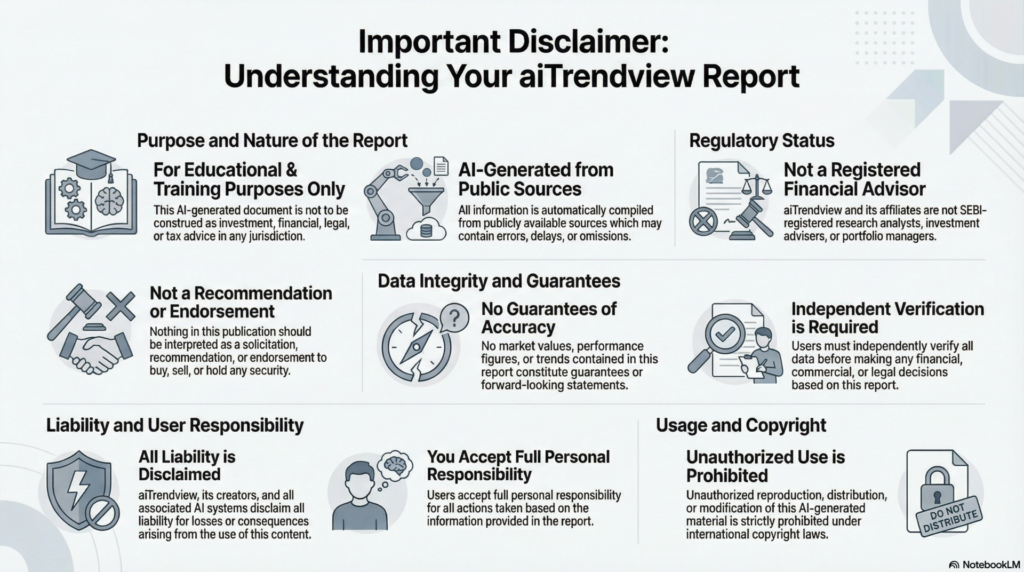
aiTrendview Global Disclaimer

This aiTrendview report is an AI-generated document provided exclusively for educational and training purposes and shall not be construed as investment, financial, legal, or tax advice in any jurisdiction.

aiTrendview and its affiliates are not SEBI-registered research analysts, investment advisers, or portfolio managers, and all information herein is automatically compiled from publicly available sources that may contain errors, delays, or omissions.

Users must independently verify all data before making any financial, commercial, or legal decisions, as no market values, performance figures, or trends contained in this report constitute guarantees or forward-looking statements.

Nothing in this publication should be interpreted as a solicitation, recommendation, or endorsement to buy, sell, or hold any security.

aiTrendview, its creators, and all associated AI systems disclaim all liability for losses or consequences arising from the use or reliance upon this content, and users accept full personal responsibility for all actions taken based on it.

Unauthorized reproduction, distribution, or modification of this AI-generated material is strictly prohibited under international copyright, compliance, and intellectual-property laws.

Tradingview, Technical, Fundamental, Economic, Market Report, Crypto Market Report, Commodity Market Report, Gold, Silver, Crudeoil, Nifty, Banknifty, Sensex, Forex,
Share this post :
Facebook
WhatsApp