
For traders who rely on multi-timeframe analysis or tracking correlated assets, screen real estate is everything. TradingView has just released a major update that significantly expands your ability to customize your workspace. In a recent video, the team introduced 12 new chart layouts, bringing the total number of configuration options to over 40.
Here is a breakdown of the new features and how you can use them to optimize your trading station.
Before diving into the new additions, the video recaps why this feature is essential. Multiple chart layouts allow you to view several charts on a single screen. This is perfect for:
The update introduces flexible grid options across various chart counts:
One of the most powerful tips from the tutorial is the ability to resize any layout manually. By clicking and dragging the borders between charts, you can adjust the size of each panel. This effectively makes the number of layout possibilities “endless,” as you can fine-tune the grid to match your exact monitor size and workflow.
To make these complex layouts manageable, the “Sync in Layout” feature is crucial.
Whether you are a scalper needing rapid data or a macro trader watching global correlations, these new layouts offer the flexibility to build a workspace that fits your brain. By combining these new grids with the syncing tools, you can process more information faster and more efficiently.
aiTrendview Global Disclaimer
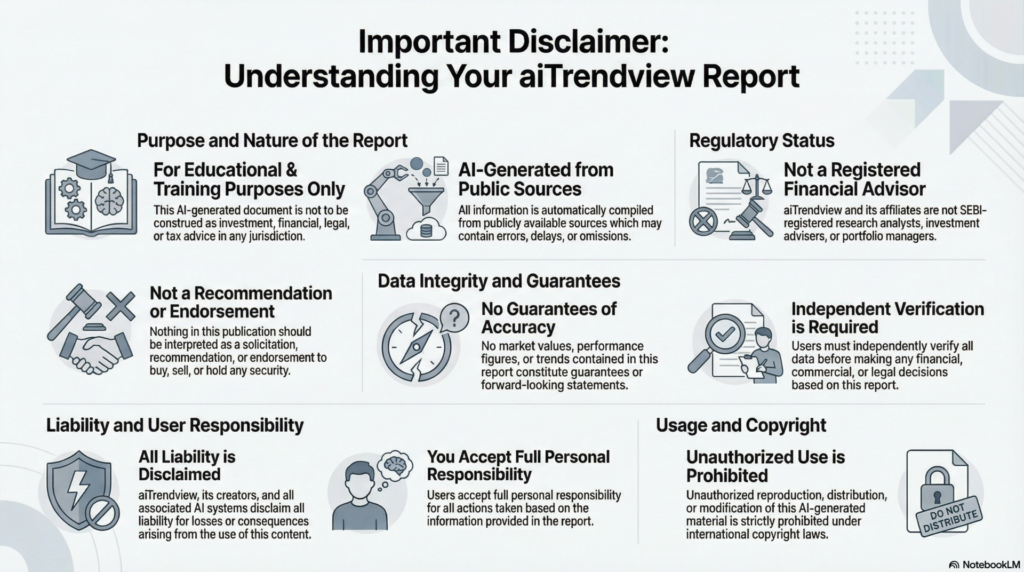
This aiTrendview report is an AI-generated document provided exclusively for educational and training purposes and shall not be construed as investment, financial, legal, or tax advice in any jurisdiction.
aiTrendview and its affiliates are not SEBI-registered research analysts, investment advisers, or portfolio managers, and all information herein is automatically compiled from publicly available sources that may contain errors, delays, or omissions.
Users must independently verify all data before making any financial, commercial, or legal decisions, as no market values, performance figures, or trends contained in this report constitute guarantees or forward-looking statements.
Nothing in this publication should be interpreted as a solicitation, recommendation, or endorsement to buy, sell, or hold any security.
aiTrendview, its creators, and all associated AI systems disclaim all liability for losses or consequences arising from the use or reliance upon this content, and users accept full personal responsibility for all actions taken based on it.
Unauthorized reproduction, distribution, or modification of this AI-generated material is strictly prohibited under international copyright, compliance, and intellectual-property laws.